
Manage tags
Create reusable labels for captures so they are easier to organize, search, and bulk-edit.
Use tags to organize captures and search for them in the PCAP browser with tagname:<tag>.
Before you can apply a tag, create it in Settings → Tags.
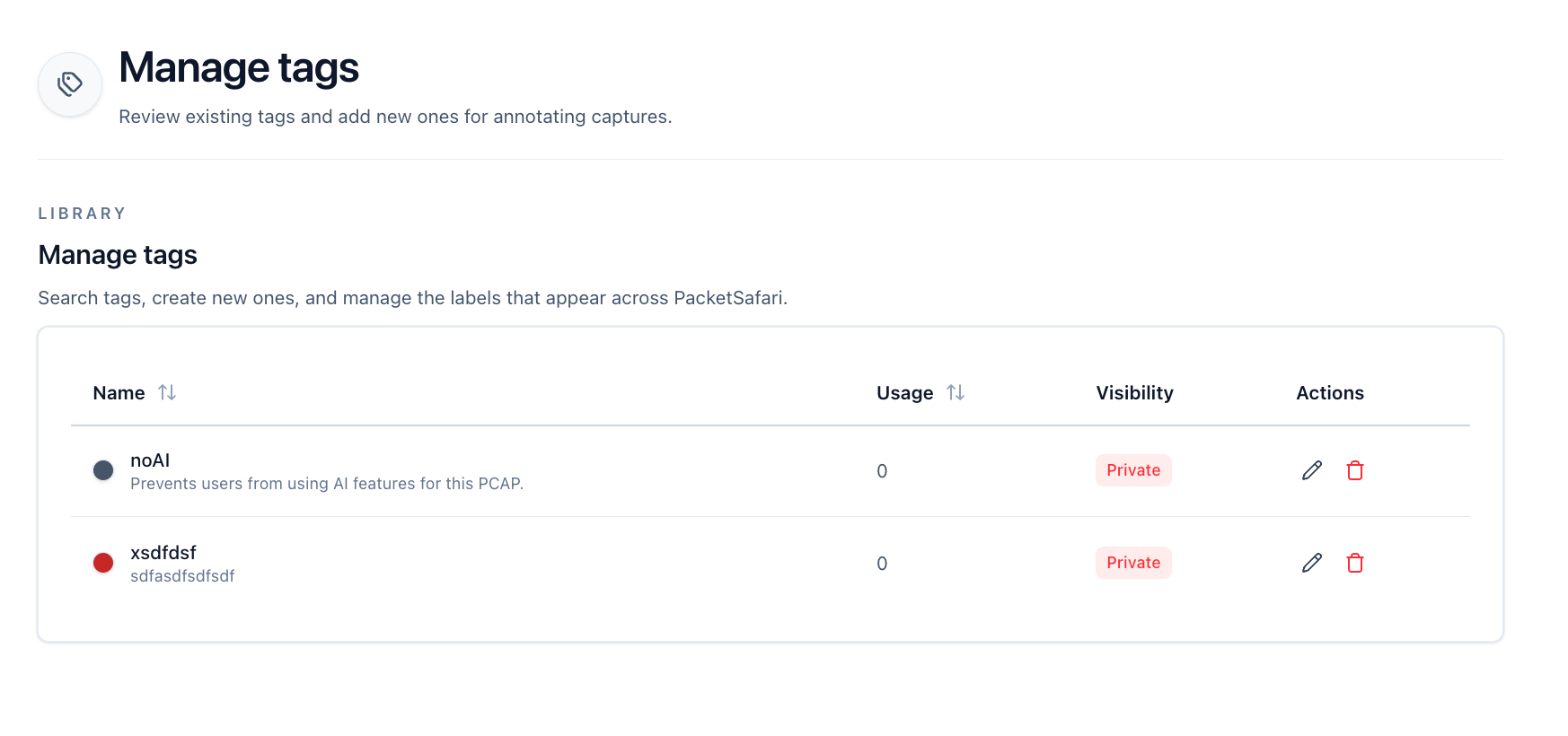
Creating a tag
Go to Settings → Tags.
From this page you can add new tags, edit existing ones, and review how many captures already use each label.
Select Add tag to create a new label.
You can then apply tags from the PCAP Browser, from mass actions, or during upload in the upload workflow.