
Profile Settings
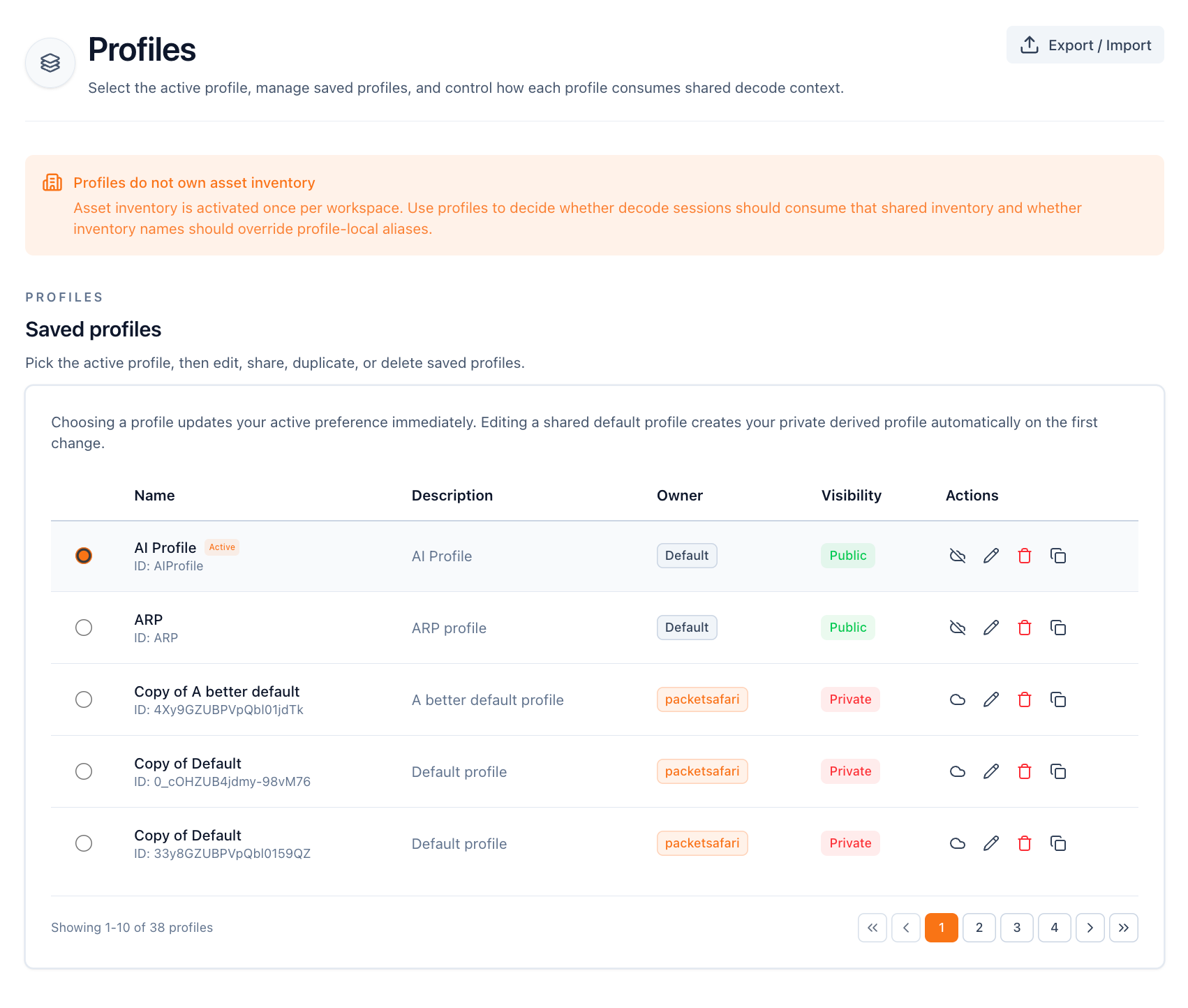
You start with a default profile that cannot be edited directly, but you can copy it and use that copy as the baseline for your own working profile.
Column Configuration
Change the visible columns, their order, and how they render. Enable the packet information bar if you want inline filter buttons for the selected packet.
Coloring Rules Configuration
Use coloring rules to highlight packets in the list. Each rule combines a display-filter expression with a foreground and background color.
Backend Settings
Backend settings control decoder internals and name-resolution behavior.
You can search through the settings or show them all. By default, PacketSafari shows modified settings first.
Profile export
Use profile export to import or export profiles as JSON so you can share or version them outside the UI.
Table font
This setting changes the fonts used in analyzer tables.