
Quick Insights
Understand PacketSafari Quick Insights, when it appears, and how it differs from Copilot or a full Agent run.
PacketSafari Quick Insights is the first AI-assisted orientation pass for a capture. It gives you a bounded summary, a short mini report, and a small set of next actions before you commit to a deeper investigation.
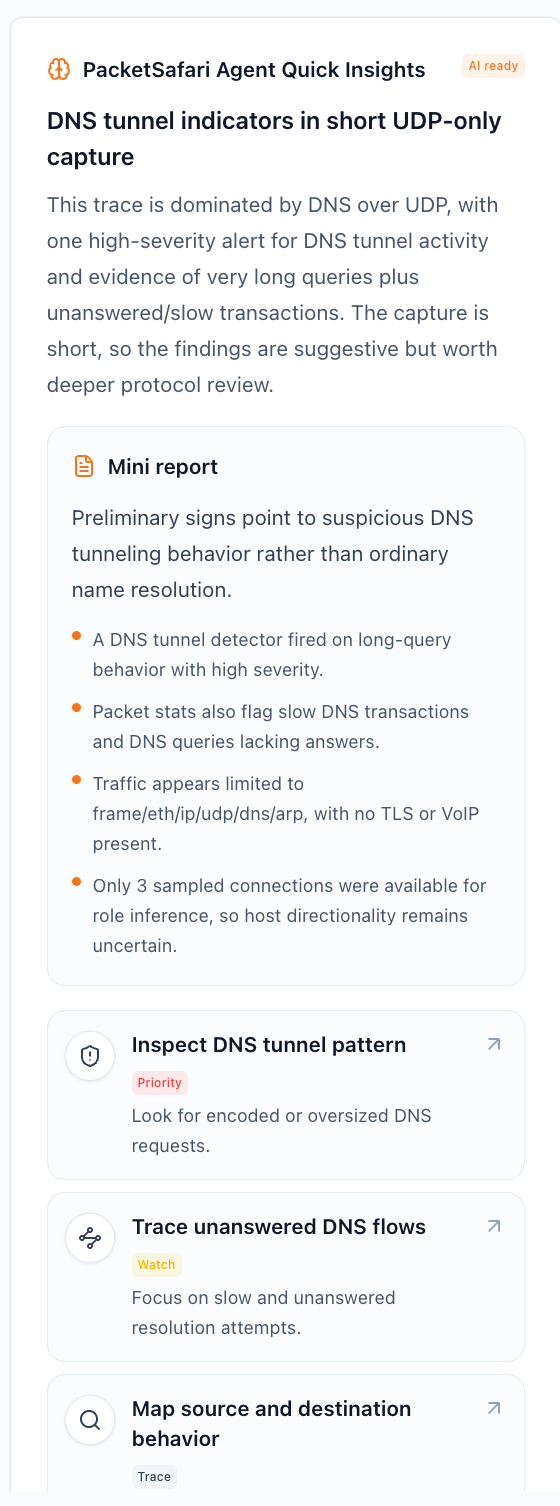
Quick Insights is intentionally lightweight:
- It appears once enough overview data is ready for a useful first pass.
- It is designed to orient you quickly, not to replace packet review.
- It can be suggestive rather than final on short, sparse, or still-refining captures.
What you get
- A capture-specific title that states the current leading hypothesis.
- A plain-language summary of the strongest evidence PacketSafari has found so far.
- A mini report with compact bullets explaining the top signals.
- A few PCAP-specific actions that launch the next investigation step directly.
Quick Summary and Agent Starter Brief
Quick Insights can surface two lightweight AI outputs that are easy to confuse:
| Output | Purpose | Trigger |
|---|---|---|
| Quick Summary | Summarizes what the capture looks like at a glance, including good/bad signals and issues to investigate. | Manual Quick Summary action for eligible signed-in users, or the anonymous upload email-summary opt-in path. |
| Agent Starter Brief | Suggests what Agent should investigate next, including PCAP-specific starter prompts. | Background generation after enough overview context is ready, subject to capture eligibility, user preference, and deployment AI policy. |
Neither one is the same as a full Agent run. A full Agent run starts when you choose Ask AI, launch Agent from a prompt, or continue from one of the suggested actions.
Where it appears
You can open Quick Insights from multiple places:
- the upload and first-open experience
- the analyzer side drawer
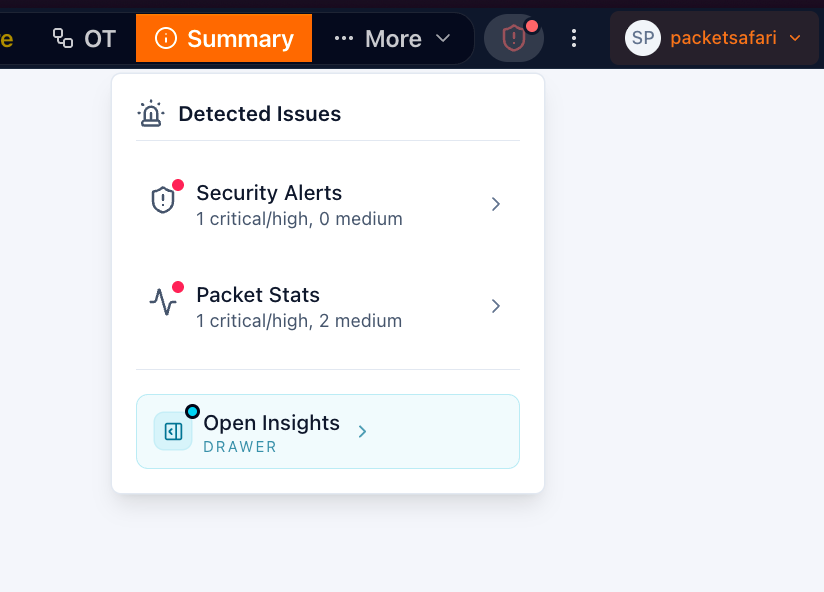
- the Detected Issues menu in the analyzer header
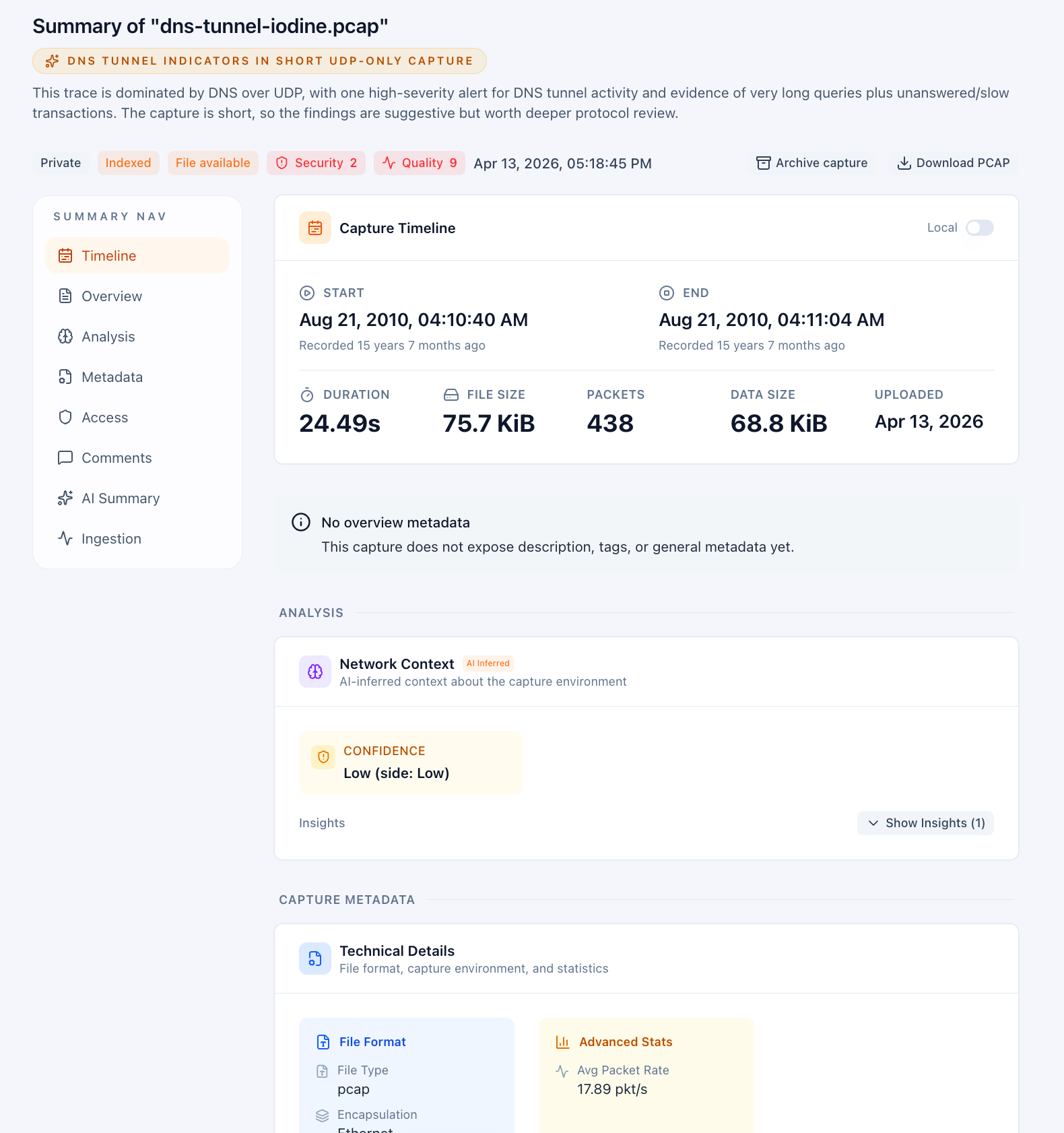
- the capture Summary view
How to read it
- Treat the first paragraph as a working theory, not a verdict.
- Use the mini-report bullets as evidence anchors for packet review.
- Launch one of the suggested actions when you want a faster next step than building the query yourself.
- Use an Investigate with Agent action when you want PacketSafari to carry the current hypothesis into a deeper run with a focused starting prompt.
If the capture is still refining, later analyzer passes can sharpen or expand the evidence behind the first Quick Insights result.
Quick Insights vs Copilot vs Agent
- Quick Insights is a fast first-pass brief with a few recommended pivots.
- Copilot is interactive. You ask questions and guide the analysis.
- Agent is the deeper autonomous workflow that can run a fuller investigation plan and produce a longer result.